
Your in-house Dropbox for Tailscale networks.
One shared folder, kept identical on every machine you own, servers included. Each machine also gets a private drop page for your phone. Files go straight between your devices over WireGuard. No cloud, no account, no telemetry.
$19 launch price until Sunday, November 15, 2026 $29
Requires a Tailscale account · One-time purchase · Free 7-day trial on 2 devices (1 GB)
Why it exists
Tailscale gives you a private network, not a shared folder.
Taildrop sends a file between your own personal devices, but it can't reach tagged machines such as servers and it doesn't keep a folder in sync. Cloud drives solve sharing by handing your files to someone else. QuietWire keeps the folder on your hardware and uses your own tailnet to move it.
In the Tailscale admin console, generate a reusable auth key.
Install QuietWire. A setup page opens in your browser: paste the key, name the dock (for example
studio-pc), click Connect.Repeat on the next machine with the same key and a different name. The docks find each other.
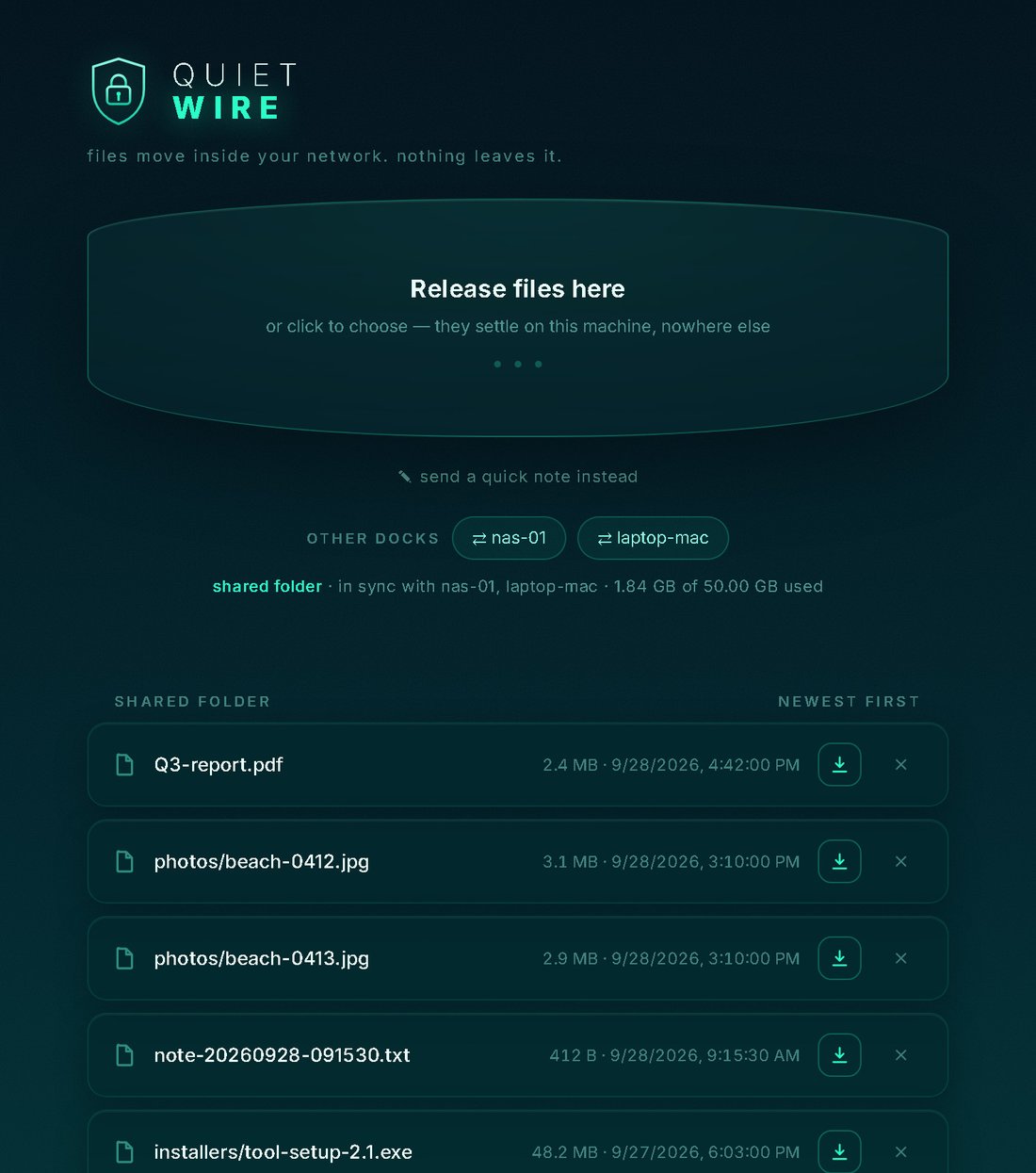
Save a file into the QuietWire folder. Within seconds it's in the folder on the other machine.
On your phone, with the Tailscale app connected, open
http://studio-pc/and drop a photo in.
The shared folder
The folder is the interface
There's nothing to send and nothing to fetch. Save a file and every dock has it.
- Any file type, subfolders at any depth, including empty folders
- Renames, moves and deletions follow everywhere; a rename isn't re-sent
- Newest wins; a dock that was off catches up when it returns
- Every dock holds a full copy, so files are there even when the source machine is off
Control
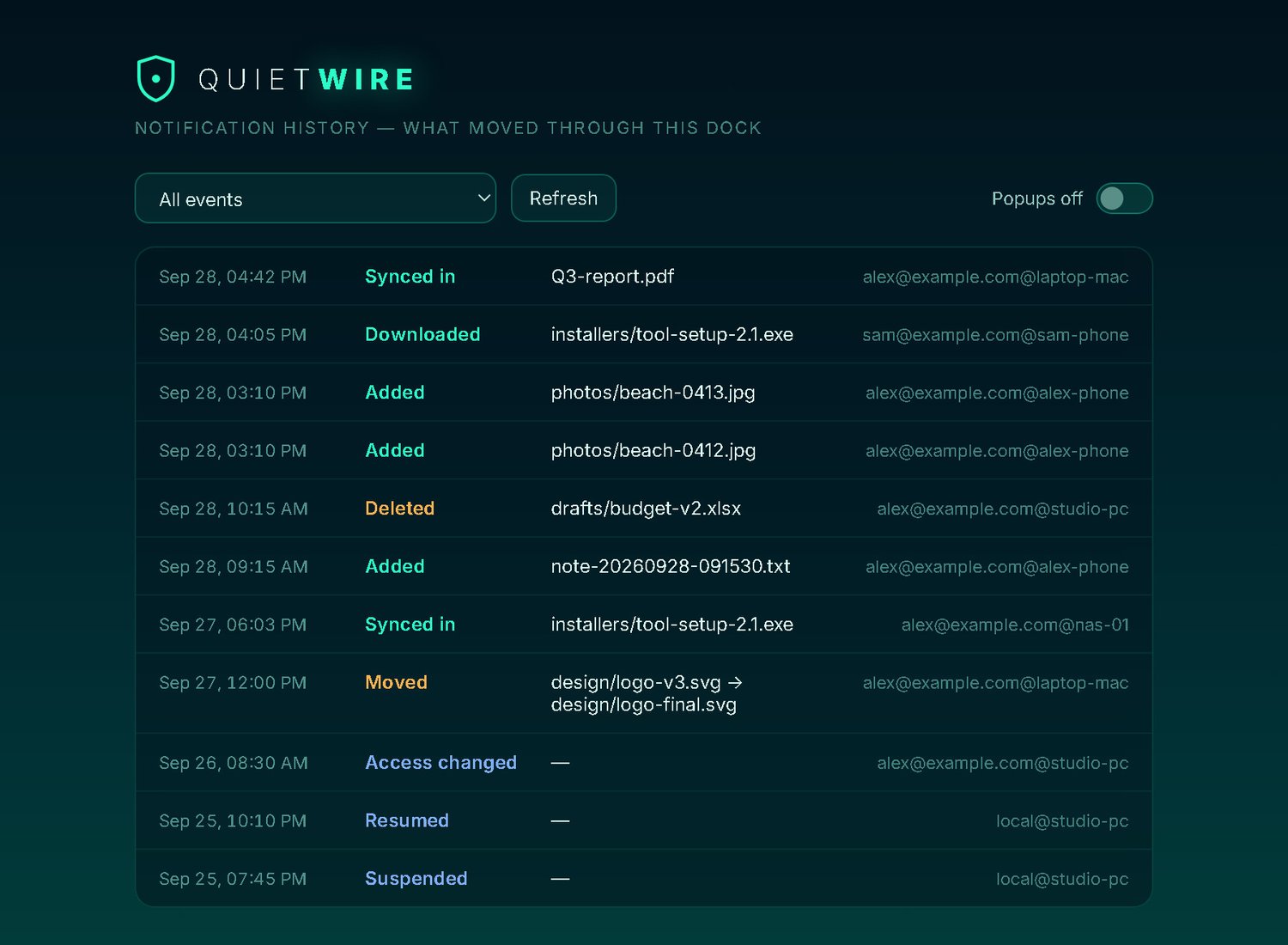
Decide who may see, change and administer
Identity is checked by Tailscale on every request; unidentified callers are refused.
- Access lists per dock by Tailscale login, tag (
tag:server) or dock - 30-day trash with restore; nothing is deleted outright
- Suspend: the owner's off switch, which survives reboots
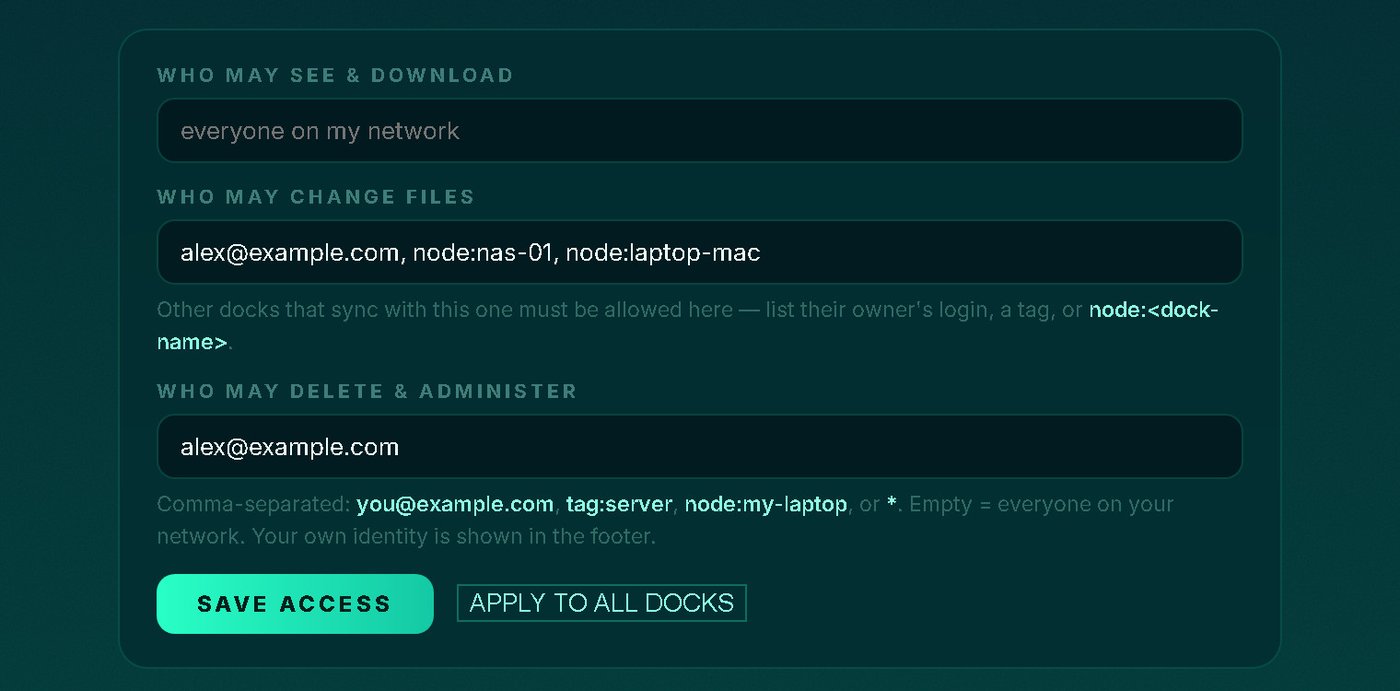
- Storage limits, read-only docks, and a history of the latest 500 transfers
How it's built
Your files never leave your network.
Device to device
Files travel directly between your devices over WireGuard. There's no QuietWire server and no internet-facing address.
No telemetry
No analytics, no account. ACAS never sees your files, file names, devices or usage. QuietWire also turns off the log upload Tailscale's networking library would otherwise send.
Servers welcome
Docks carry their own Tailscale connection, so the Tailscale app isn't needed on the dock itself. --headless runs a dock on servers without a tray icon.
Honest limits
What QuietWire is not.
Not a backup
A deletion is honoured on every dock (into a 30-day trash). Keep a separate backup of anything important.
Not a cloud service
It only works inside your tailnet, and it needs a Tailscale account. People outside it can be invited through Tailscale's own device sharing.
Not disk encryption
Files at rest are ordinary files. On laptops that travel, use BitLocker or FileVault.
Windows
Windows 10 or 11, 64-bit
Mac
Intel or Apple Silicon, macOS 11 or later
Phones and browsers
Just the Tailscale app; they use a dock's page. No license needed.
Free 7-day trial
One folder. Every machine you own.
Try it on two devices with 1 GB of transfers. One license covers up to 3 computers you own or control, with updates included; each dock is activated on its own.
Questions: [email protected] · License terms · Tailscale is a trademark of Tailscale Inc. QuietWire is not affiliated with Tailscale.